Long, long gone are the days when travel to the Philippines meant a huge odyssey that required spending months to cross half the world by ship. Today almost everything has changed and, among the many conveniences we have for traveling, apps are one of the tools we can make the most of when visiting this beautiful archipelago. Every traveler is different with their own needs, but the ones we show you here are some of the best apps for traveling to the Philippines in a much more comfortable and easy way. Grab your mobile phone and start downloading a few that will become your inseparable friends during your trip to the Philippines.
Grab
We put it first on the list of the best apps for traveling to the Philippines because it will probably be the first one you use when you land in the country.
The app from Grab is “Asia’s Uber” (in fact, Grab bought Uber Asia), which translates into an application that lets you request a taxi from your phone with the advantage of knowing the price you’re going to pay for your ride. Grab is an app that offers a lot of safety, both because your position is tracked by GPS at all times and because you’ll avoid haggling over the fare or dealing with drivers who don’t want to turn on the meter or take you the long way to your destination.
You’ll use this app mainly in Manila and Cebu, both to get to and from the airport and to move around these cities to see their main attractions. It isn’t necessary to link your bank card to the app (many of them aren’t compatible), since you can pay in cash without any problem when you reach your destination. Remember to leave your driver 5 stars if they’ve provided good service!
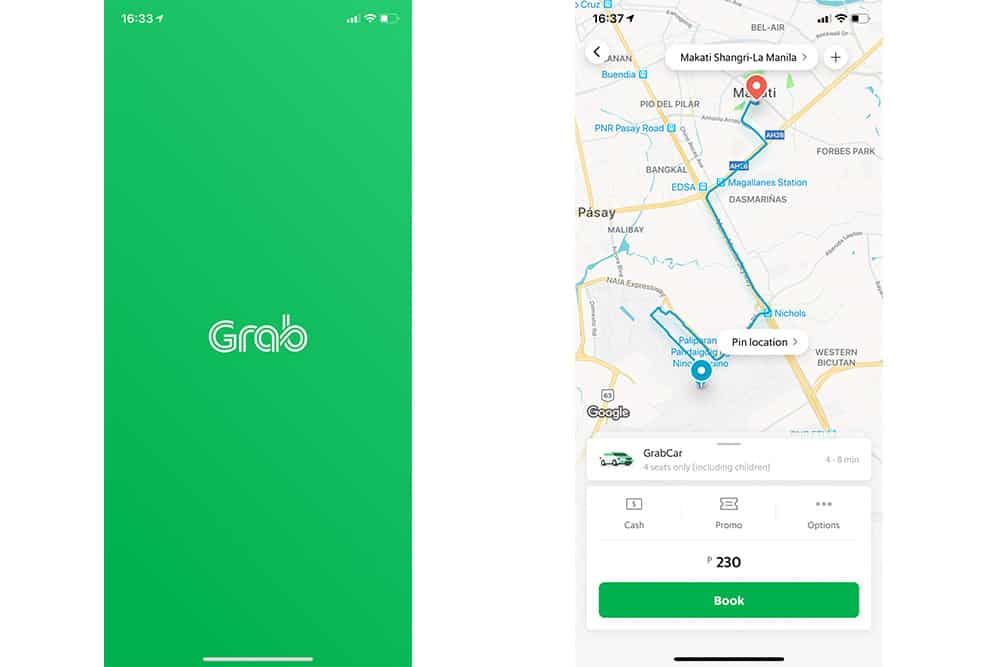
– You can download Grab here: iPhone – Android
Xe.com
It happens to all of us when we arrive in a new country: at first it’s hard to get used to the new currency. You’re on your first stroll around the capital and you see that at the restaurant where you’re going to eat in Manila they charge you 120 pesos for a beer — is that a lot? A little?
The best app for traveling in the Philippines and clearly seeing the official exchange rate is Xe.com. It’s super easy to use: once you select the currency you’re interested in, every time you open the app you’ll see the current peso rate and you can check what any amount is worth. It’s also very useful to know whether the rate you get at exchange houses is correct.
In the article “Money in the Philippines” we tell you everything you need to know about it: Where to change money in the Philippines, tips and much more to save on your trip.
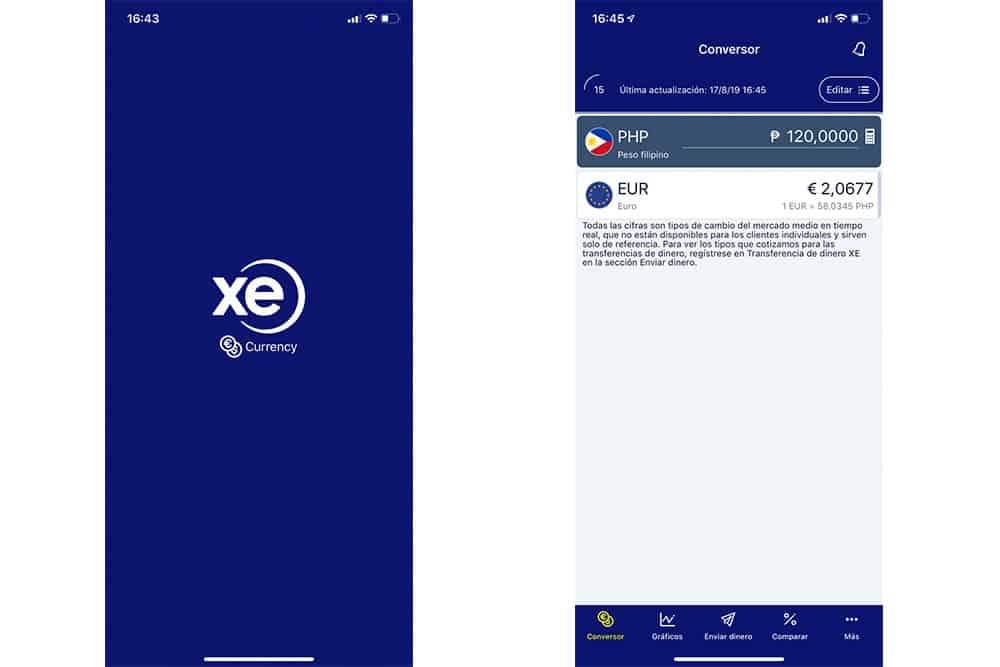
– You can download Xe.com here: iPhone – Android
Splitwise
Sticking with money matters: if you’re traveling in a group or as a couple and want to keep expenses clear so there’s no drama when it’s time to split what each person has to pay or what they’ve already paid, Splitwise is a great app for traveling to the Philippines so everyone goes home having paid their fair share. It couldn’t be easier to use: enter each traveler’s name in the app and whenever there’s a new expense you note who paid and among whom it should be split. The app automatically adds to each member the amount they owe and shows you the up‑to‑date balance.
You can create a free account that allows everyone to enter expenses from their own phone for the same trip — it’s super handy!
– You can download Splitwise here: iPhone – Android
Banking apps: save money in the Philippines
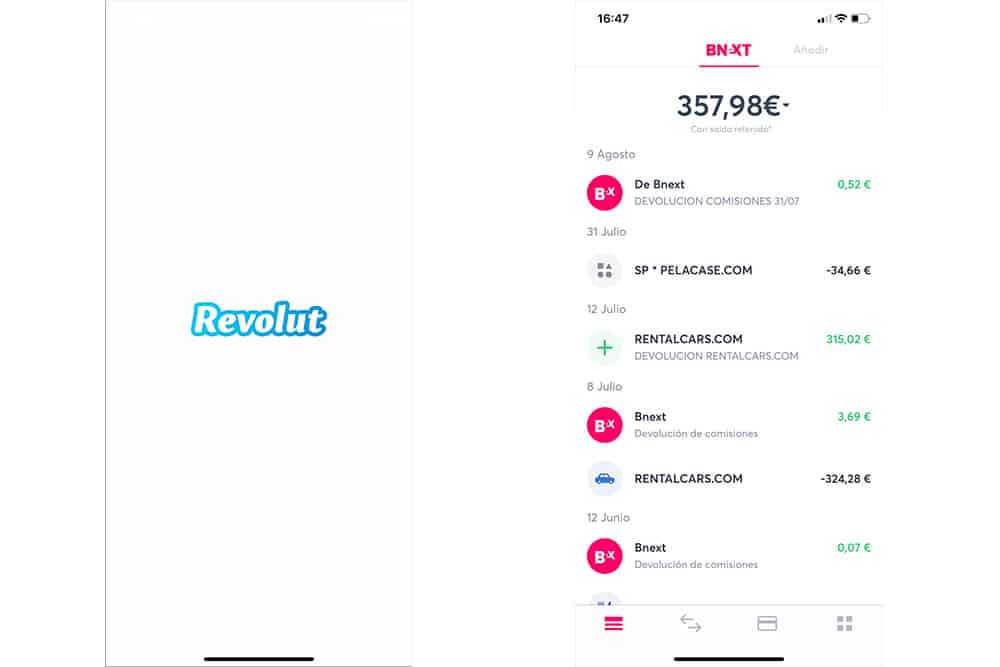
As you probably know, withdrawing money abroad is synonymous with paying high fees and exchange rates that usually mean losing money every time you use an ATM. Luckily, there are now banks that offer free accounts that don’t charge these types of fees. In the article “Best travel debit cards to the Philippines” we tell you which ones are best, but here we want to stress their importance and the convenience their apps provide. Thanks to them you can always see what you’ve spent and keep an eye out for any fraudulent use. While the FerratumBak bank app is really chaotic and not very intuitive (which is why we ended up closing it), Bnext and Revolut are our favorites because they’re so clear and easy to use.
Google Maps / Maps.me
One thing that hasn’t changed in the history of travel is the need to have a map to orient yourself as you discover the different places you want to visit. Today, the two best apps for traveling in the Philippines of this kind are Maps.Me and Google Maps.
Maps.me became popular a few years ago because it offered the possibility to download the maps of the places you’re going to visit to your phone and then use them at your destination without being connected to the internet. The main advantage of downloading maps over wifi (from home or at some hotel in the Philippines) is that you won’t burn through data on your mobile plan or the battery you use when you turn on GPS. As for map quality, Maps.me’s are quite complete, but nothing compared to the information you can get from Google Maps.
Google Maps also added the option to download maps, so now it’s possible to use them offline just like Maps.Me offers. Both travel apps are free, so which do we recommend? If you have enough space on your phone, both. Neither of the two is 100% perfect and sometimes one can miss places or routes that the other has. We always check both to find the way to get where we want to go.
– You can download Google Maps here: iPhone – Android
– You can download Maps.me here: iPhone – Android
Google Translate
This is one of the essential apps for traveling to the Philippines — or anywhere in the world. The most famous and powerful online translator right now, also from Google. In the Philippines, the vast majority of people speak excellent English, so if you don’t command the language well enough, you can lean on this app to understand everything around you. There are several ways:
- Typing text: if you see text you don’t understand — on a restaurant menu, for example — you can type it into the app to get an instant translation. You can also use this option the other way around, writing something in your language to translate it into English and ask a question.
- Voice: if you tap the “voice” icon you can use the microphone to translate a short phrase such as “Please, where is the bus station?”. A slightly faster method than typing for longer sentences.
- Camera: One thing that often fascinates travelers about this app for the Philippines is the “Camera Mode.” With it, you just point your phone’s camera at text in another language and it will appear translated on your screen. Try it!
- Conversation mode: Thanks to conversation mode you can have nearly real‑time conversations using your phone. Select the two languages you want to use and start talking to whoever you want; the translation will appear live on the screen.
Google Translate uses data to perform the translation you ask for, but, just like with maps, you can download entire language packs. That way, you’ll be able to translate whatever you want without needing internet.
Don’t limit yourself to downloading only English — also grab Filipino languages like Tagalog or Cebuano and enjoy interacting with locals in a much more personal way.
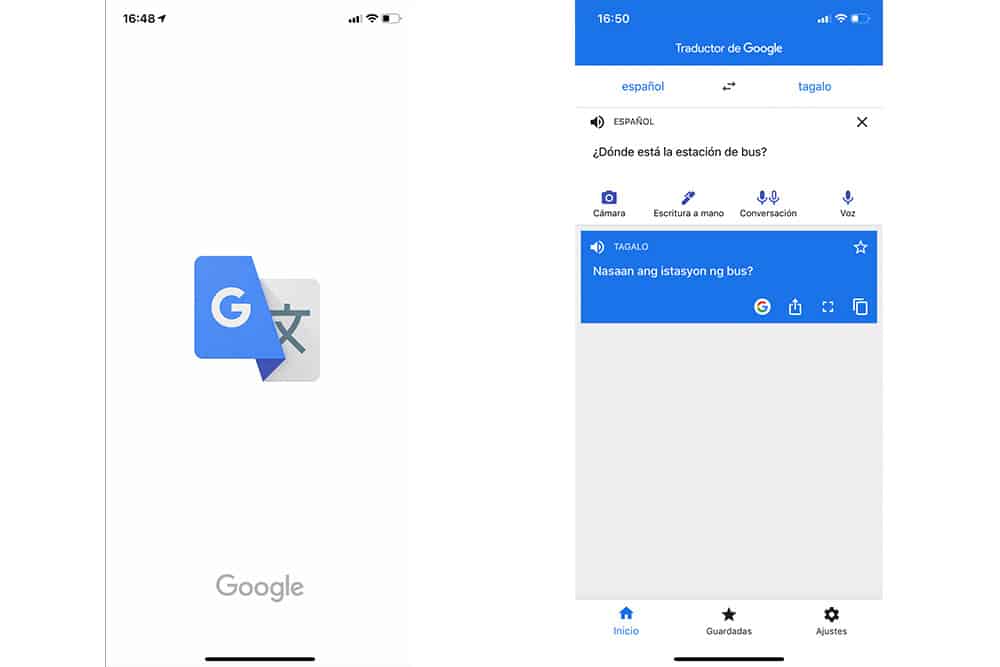
– You can download Google Translate here: iPhone – Android
DIVE+
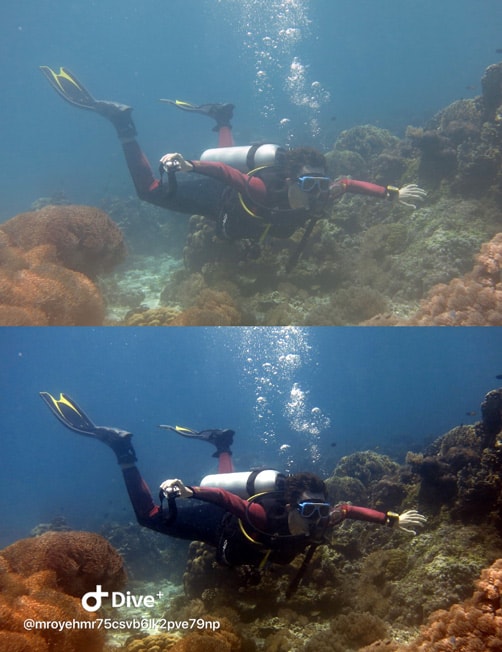
In the Philippines you’re going to spend a lot of time in the water and, whether you’re scuba diving or snorkeling, you’ll surely take plenty of underwater photos. Unless you have a red filter or good lights, the deeper you go, the bluer your photos will turn out and they won’t look anything like the colorful fish and coral shots you hoped to bring home.
The DIVE+ app corrects the color of underwater photos quickly and easily so you have a beautiful memory of your trip. This app — ideal for traveling around the Philippines — is free but, as you’ll see, it leaves a small watermark with its logo.
By the way, be sure to check out our articles “Best places to go scuba diving in the Philippines” and “Best places to go snorkeling in the Philippines”.
– You can download DIVE+ here: iPhone – Android
Skype
Who doesn’t know Skype? This free video‑calling app is super useful for us when we travel — not so much for video calls themselves, but for the ability to make phone calls at a very low price. With 5 dollars of credit, for example, you can make loads of international calls. It’s much cheaper than you imagine!
We usually use it when we’ve run out of credit on our Philippine SIM card, or when we want to call a number back home that doesn’t use WhatsApp. It’s also very convenient for quickly calling IATI — which, as we explain in another article, is the best travel insurance for the Philippines — whenever we have an emergency (they’ll refund the cost of the call afterward).
– You can download Skype here: iPhone – Android
Apps for traveling to the Philippines and getting weather info
In many destinations around the world, apps like Accuweather or the built‑in “Weather” apps that usually come on your phone are fairly accurate, but the Philippines is a different story. Even if Accuweather says it will rain at 13:30, you might get blazing sunshine instead and, on top of that, this app/website isn’t very complete when it comes to warning you about things like typhoons — something quite possible in the country. That’s why we recommend these two apps for traveling in the Philippines and keeping an eye on the weather (without obsessing):
Windy
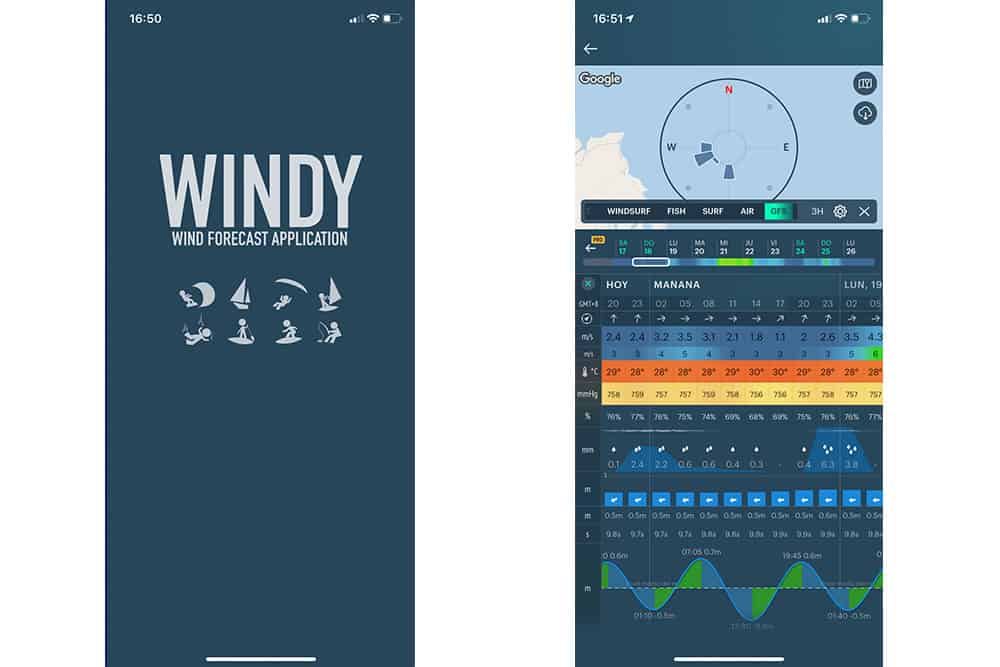
The Windy app is a gem in many ways and you shouldn’t travel to the Philippines without it. It’s super intuitive to use and gives you very valuable information for any place you mark on the map, for example:
- Minimum and maximum temperatures.
- Wind strength and direction. It’s very easy to see here if a strong front is heading your way.
- Chance of rain for each hour of the day.
- Tide levels for each hour of the day — essential for places like the Kalanggaman sandbar or the Magpupungko natural pools, a must‑see in Siargao.
– You can download Windy here: iPhone – Android
DOST PAGASA
The most reliable place to see live weather and forecasts in the Philippines is DOST PAGASA, both on its website and on its Facebook page, since it’s the country’s official meteorological agency. Unfortunately, its app is neither the most intuitive nor the most up‑to‑date (and it doesn’t exist on iPhone), but it never hurts to have it on your phone to round out the info. In theory it has a geolocation service that alerts you if an important warning is approaching your area, but we’d be lying if we said it works properly.
– You can download DOST PAGASA here: Android
Instagram Stories
We could easily include Instagram in the section of the best apps for traveling to the Philippines and staying informed about the weather — and we wouldn’t be lying. Via Instagram Stories, just by typing the name of a specific area of the country into the search bar, you’ll get tons of stories from the last 24 hours where you can practically see in real time what things are like. We use it a lot!
Besides weather, it’s a great tool to discover new places to explore in the country. On the “Viajar por Filipinas” Instagram account we constantly share amazing photos of places that are well worth a visit. Plus, if you use the hashtag #viajarporfilipinas when you upload photos of your trip, we’ll be able to see them and share them from our account with thousands of travelers keen to “Filipineate.”
See this post on Instagram